VORREIORDINARE
You don't have to use them all. They work for you.

66 functions. It stays simple for you.

The customer orders and you receive everything ready. This page is just to show you how many things are handled behind the scenes, without adding work to the venue.

You don't have to learn 66 instruments.It's always the same order: it comes in, it's prepared, picked up or delivered. Everything else happens automatically around.
Do you want to start from your problem?

Each topic has a page that shows you why to buy it.

Here you will find the dedicated commercial routes. The complete list of each individual function remains further on.

01

The web app that the customer sees

Your business on the customer’s phone, with no marketplace and no download.

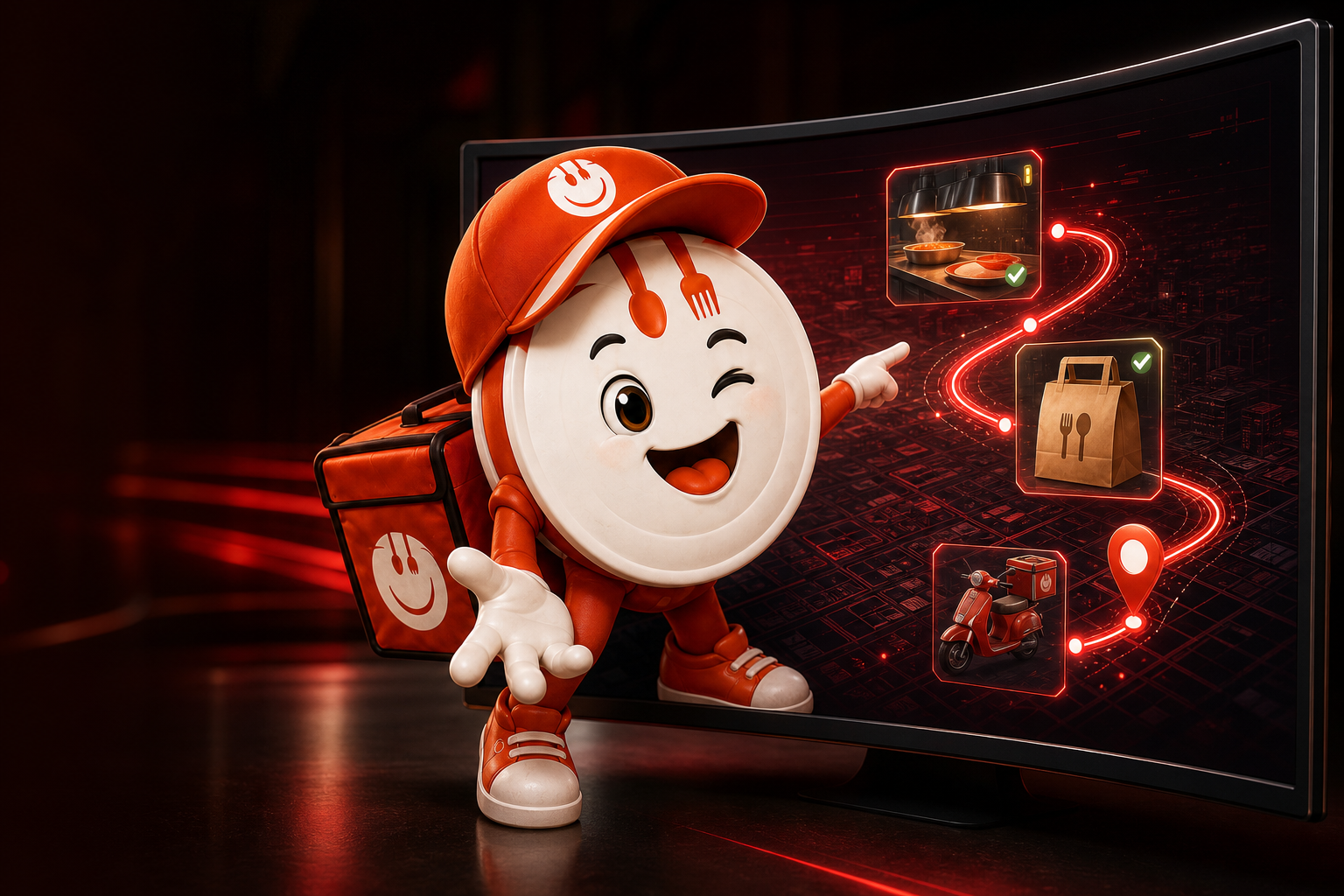
Your web app comes to life
Seeing it is easierYour web app comes to life

The customer does not see a platform: he enters your restaurant directly, from his phone.

Web app without installation

What it does
The customer opens a link or frames a QR and orders from the browser.
Why is it needed
He doesn't have to look for you in a store or install a heavy app.
Example
A QR on the flyer immediately opens your menu.
See it in your service

Custom branding and graphics

What it does
Logo, colours, photographs and style follow the identity of the venue.
Why is it needed
The customer remembers you, not the name of a platform.
Example
A pizzeria, a sushi place and a pastry shop have completely different experiences.
See it in your service

Your domain and links

What it does
The web app can be connected to your domain, social networks and campaigns.
Why is it needed
Each visit builds your direct sales channel.
Example
Instagram's "Order" button takes you to your location.
See it in your service

Multilingual menu

What it does
Interface and contents can be presented in multiple languages.
Why is it needed
Tourists and foreign customers understand what they are buying.
Example
A German customer reads categories and checkout in his language.
See it in your service

Complete catalogue

What it does
Categories, products, prices, photographs and descriptions live in the same menu.
Why is it needed
The customer finds everything without calling to ask for information.
Example
Pizza, drinks and desserts are sorted into clear sections.
See it in your service

Mobile search and navigation

What it does
The customer searches for a product and quickly switches between categories.
Why is it needed
Reduces the time it takes to get to the cart.
Example
Writes “margherita” and immediately opens the correct tab.
See it in your service

Variants, extras and customizations

What it does
Each product can offer formats, flavours, additions and choices.
Why is it needed
The staff receives a precise order, without having to call back.
Example
Large pizza, wholemeal dough and extra mozzarella arrive already written.
See it in your service

Ingredients and allergens

What it does
Useful information is visible in the product sheet.
Why is it needed
Help the customer choose with greater awareness.
Example
Before adding a dish, check the declared ingredients and allergens.
See it in your service
Return to index ↑
02

From cart to confirmation

A simple purchase for the customer and complete for the venue.

From cart to order, without hidden steps
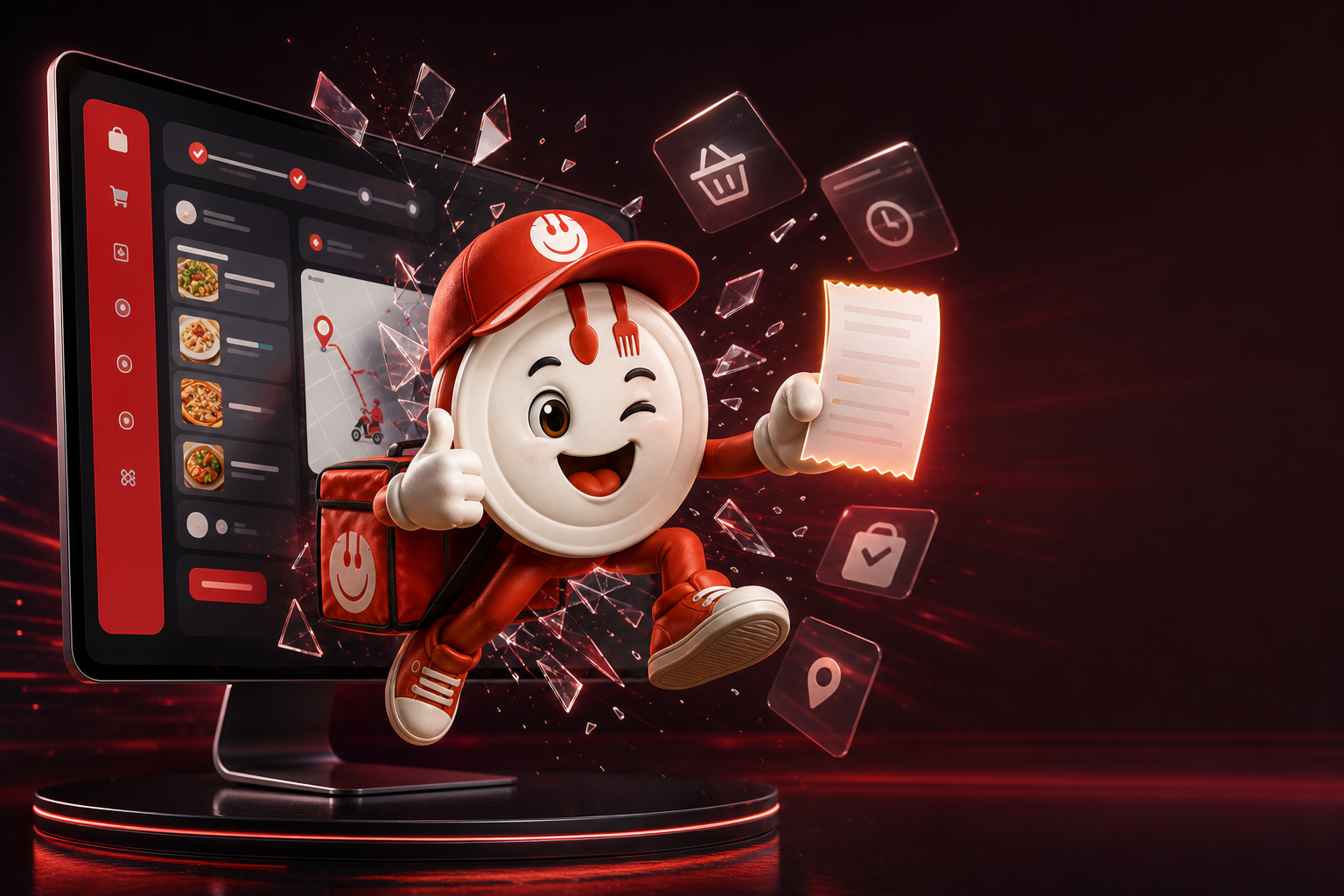
Seeing it is easierFrom cart to order, without hidden steps

The mascot brings an already complete order out of the monitor: products, time, payment and delivery.

Cart always legible

What it does
Products, quantities, changes and total are visible before sending.
Why is it needed
Errors and second thoughts decrease.
Example
The customer corrects a quantity without restarting the order.
See it in your service

Order as a guest or customer

What it does
The flow can handle login, registration and quick purchase.
Why is it needed
Don't lose those who want to order quickly and recognize those who come back.
Example
The new customer orders immediately; the usual one finds his data again.
See it in your service

Saved addresses

What it does
The customer can keep the most often used addresses.
Why is it needed
Subsequent orders require fewer steps.
Example
Home and office are ready to select.
See it in your service

Takeaway and delivery

What it does
The customer chooses whether to collect in-store or receive at home.
Why is it needed
A single menu manages both services.
Example
At 7pm pick up at the pizzeria; at 9pm order at home.
See it in your service

Day and time available

What it does
The checkout only shows the times the venue can promise.
Why is it needed
Avoid requested orders when kitchen or delivery cannot serve them.
Example
The full 8pm slot is no longer offered.
See it in your service

Configurable payments

What it does
The venue decides which methods to offer online, on collection or on delivery.
Why is it needed
The collection rules follow the real way of working.
Example
Online card for delivery and payment at the cash register for takeaway.
See it in your service

Notes and instructions

What it does
The customer can add the instructions required by the order.
Why is it needed
Cucina and rider receive useful information together with the order.
Example
“Intercom 4” remains connected upon delivery.
See it in your service

Orders and status for the customer

What it does
The customer can consult the orders and follow their available progress.
Why is it needed
Reduces “how far along?” phone calls.
Example
You see that the order has been received and then prepared.
See it in your service
Return to index ↑
03

All orders in one place

The staff works on a single queue, even when the order is not created online.

Web orders in real time

What it does
Orders from the web app arrive in the operating panel.
Why is it needed
Staff should not copy data from emails or messages.
Example
The new order appears with products, service, time and customer.
See it in your service

Telephone and manual orders

What it does
The staff enters the requests received on the telephone or at the counter from the panel.
Why is it needed
Traditional orders also follow the same rules.
Example
A phone call enters the same production as online orders.
See it in your service

Quick order

What it does
A quick grid allows you to compose orders with just a few taps.
Why is it needed
It is useful in cashier moments and simple requests.
Example
Touch category, product and quantity without opening many screens.
See it in your service

Order board

What it does
Orders are collected and filterable by service, time and status.
Why is it needed
Whoever manages the shift immediately understands what requires attention.
Example
With a filter it only shows the deliveries still to be prepared.
See it in your service

Operational states

What it does
Each order goes from received to processing, ready, collected or delivered.
Why is it needed
Everyone works on the same updated information.
Example
The kitchen says “ready” and the counter knows it can deliver.
See it in your service

Full detail

What it does
Customer, products, notes, payment and delivery remain linked.
Why is it needed
There is no need to search for information in different tools.
Example
By opening the order you will find the number, address and requested changes.
See it in your service

Archive and research

What it does
Past orders can be searched and consulted.
Why is it needed
Assistance and administration quickly reconstruct what happened.
Example
You look for an order number and check the date, amount and status.
See it in your service

Print and orders

What it does
Printouts can be configured for the room flow.
Why is it needed
Each workstation receives legible and consistent information.
Example
The oven receives the pizzas; the bar receives the drinks.
See it in your service
Return to index ↑
04

Kitchen, capacity and Lucy

It's not enough to sell: the system must only promise what you can produce.

An order, from the kitchen to the rider
Seeing it is easierAn order, from the kitchen to the rider

Preparation, bag and delivery remain connected. Power works behind; the staff sees what to do.

Production ordered

What it does
The kitchen sees what to prepare and in what sequence.
Why is it needed
Transform orders into a readable workload.
Example
The next dish to start is obvious without reading the whole order.
See it in your service

Work departments

What it does
Products and preparations can be directed to the oven, kitchen, fried or bar.
Why is it needed
Each team only sees what it has to do.
Example
The drink does not occupy the tail of the oven.
See it in your service

Capacity by time slot

What it does
The room establishes how much work it can support in each interval.
Why is it needed
Avoid accepting more orders than are feasible.
Example
If 8.30pm is full, the customer chooses another time.
See it in your service

Dynamic times

What it does
Lucy uses operational rules and load to propose sustainable times.
Why is it needed
The promise to the customer follows the real situation.
Example
On a quiet evening the pick up is earlier; in the peak it is moved.
See it in your service

Opening times and closures

What it does
Services, days, breaks and extraordinary closures are configurable.
Why is it needed
Orders stop when your business is closed or unavailable.
Example
On August 15th the web app shows the set closure.
See it in your service

Products not available

What it does
A product can be hidden or marked unorderable when it ends.
Why is it needed
You don't sell something the kitchen can't prepare.
Example
Once an ingredient is finished, the product stops entering new carts.
See it in your service

Simulation before switching

What it does
The scenarios allow you to check capacities, times and rules.
Why is it needed
The owner can understand the effect before applying it to the real service.
Example
Experience what happens with ten orders at 8pm without actually creating them.
See it in your service

Operating levers in peaks

What it does
The venue can intervene on availability and capacity when the situation changes.
Why is it needed
An unexpected event does not force you to turn off the entire channel.
Example
With an absent rider, delivery capacity is temporarily reduced.
See it in your service
Return to index ↑
05

Delivery and work of the riders

Order, area and delivery person remain in the same flow.

Delivery areas

What it does
The territory can be divided into areas with different rules.
Why is it needed
Your business sells only where it can deliver.
Example
Centre, suburbs and hamlets have separate configurations.
See it in your service

Costs and minimums by area

What it does
Each area can have its own cost, minimum order and conditions.
Why is it needed
Delivery remains economically sustainable.
Example
The further the minimum increases or the cost changes.
See it in your service

Address check

What it does
The checkout verifies the necessary data and compatibility with the service.
Why is it needed
Reduces out-of-area orders or incomplete addresses.
Example
Before confirming, it is checked that the route is served.
See it in your service

Assignment to rider

What it does
A delivery can be entrusted to the available person.
Why is it needed
The manager knows who is carrying each order.
Example
Mario receives the 8.15pm delivery, Luca the 8.25pm one.
See it in your service

Monitor deliveries

What it does
Active deliveries are collected in an operational view.
Why is it needed
Delays and orders not yet assigned have been identified.
Example
The riderless line is noticed before it becomes a problem.
See it in your service

Operational map

What it does
Addresses and deliveries can be read geographically.
Why is it needed
Helps understand distances and distribution of work.
Example
Two neighboring orders can be evaluated together.
See it in your service

App rider

What it does
The rider consults the delivery information and updates its status.
Why is it needed
No need for paper, constant phone calls or screenshots.
Example
On your phone you see the address, order and next step.
See it in your service

Rider capacity

What it does
Delivery availability enters into schedule decisions.
Why is it needed
The kitchen does not promise delivery that no one can then deliver.
Example
With two riders occupied, the next slot is offered later.
See it in your service
Return to index ↑
06

Customers, promotions and return

Each order can become a relationship, not an isolated sale.

Customer directory

What it does
Contacts and useful information are collected in the restaurant's CRM.
Why is it needed
The customer assets remain with the restaurateur.
Example
Find the customer without searching for him in chats and Excel sheets.
See it in your service

Customer history

What it does
Orders, frequency and behavior remain linked to the card.
Why is it needed
It allows you to understand who is returning and who has stopped.
Example
See when you last ordered and how much you spend on average.
See it in your service

Insight and value

What it does
The panel helps to read frequent, new or to recover customers.
Why is it needed
Commercial actions become more targeted.
Example
A repeat customer receives different treatment from someone who has ordered once.
See it in your service

Configurable coupons

What it does
You can create discount codes with precise rules and periods.
Why is it needed
Promote without distributing discounts without control.
Example
Code valid only from Monday to Thursday above €25.
See it in your service

Loyalty program

What it does
Points and prizes reward those who order multiple times.
Why is it needed
Gives the customer a concrete reason to return directly.
Example
After a threshold of points, the expected reward is unlocked.
See it in your service

Guided creation of promos

What it does
A procedure accompanies the construction of the offer.
Why is it needed
Even those who don't do marketing every day avoid configuration errors.
Example
Choose objective, audience, benefit and deadline.
See it in your service

Marketing statistics

What it does
Coupons, loyalty and results can be read over time.
Why is it needed
Understand if the promotion brings orders or just a discount.
Example
Comparisons of code usage and sales generated.
See it in your service

Consents and preferences

What it does
The customer's privacy and marketing choices are respected in the flow.
Why is it needed
Campaigns start from data that can be used responsibly.
Example
Those who do not accept marketing are not treated as promotional contacts.
See it in your service
Return to index ↑
07

Clear numbers to decide

The owner sees what happens without rebuilding it at the end of the month.

Immediate dashboard

What it does
Orders, trends and operational signals are brought together in the first view.
Why is it needed
A few seconds are enough to understand the day.
Example
Open the panel and see recent orders and points to check.
See it in your service

Sales statistics

What it does
Receipts, orders and average value can be analyzed.
Why is it needed
Decisions are based on real results.
Example
Compare this month with the previous period.
See it in your service

Services, channels and bands

What it does
The data can distinguish delivery, takeaway, origin and time.
Why is it needed
Find out where you gain and where you lose capacity.
Example
You see that the peak delivery is between 8pm and 9pm.
See it in your service

Operational performance

What it does
Times, load and states help to read the service.
Why is it needed
You don't just measure how much you sell, but also how you manage to serve it.
Example
Identify the range in which orders remain in processing for the longest.
See it in your service

GA4 ecommerce

What it does
Purchase journey events can power Google Analytics 4.
Why is it needed
Link visits, carts and orders to campaigns.
Example
See how many people start checkout and how many complete.
See it in your service

Meta Pixel with consent

What it does
Conversions can be sent to Meta when consent allows.
Why is it needed
Campaigns can be optimized on real actions.
Example
Your ad is evaluated on orders, not just clicks.
See it in your service

Events and funnels

What it does
Important actions such as opening menu, cart, contact and order are distinguishable.
Why is it needed
It's easier to understand where people stop.
Example
Many carts and few checkouts indicate a point for improvement.
See it in your service

Logs and controls

What it does
Technical activities and planned shipments can be verified.
Why is it needed
When something doesn't add up you have a trace to check.
Example
Support distinguishes a configuration error from a failure to send.
See it in your service
Return to index ↑
08

Configuration, security and integrations

A single platform, adapted to the country and the local way of working.

Roles and access

What it does
People come in with responsibilities consistent with their work.
Why is it needed
Not everyone needs to see or edit everything.
Example
Kitchen works on orders, the owner checks configurations and numbers.
See it in your service

Multiple locations and configurations

What it does
The system can organize realities with different rooms and rules.
Why is it needed
The project grows without starting from scratch.
Example
Each location maintains appropriate hours, catalog and operations.
See it in your service

API and webhooks

What it does
Data and events can be linked to external software provided.
Why is it needed
Avoid information islands and double typing.
Example
A confirmed order can alert a connected management system.
See it in your service

Configurable emails and notifications

What it does
Channels, templates and service rules can be managed.
Why is it needed
Customer and staff receive the right information at the expected time.
Example
The order confirmation starts with the venue data.
See it in your service

Print configuration

What it does
Printers, copies and order destinations can follow the departments.
Why is it needed
The card arrives where it is needed and with the necessary information.
Example
One copy goes to the counter and one to the relevant department.
See it in your service

Integrable taxation

What it does
There are configuration paths for supported tax documents and services.
Why is it needed
The order flow can communicate with the obligations of the operational context.
Example
The module is activated and configured only where applicable.
See it in your service

Privacy, cookies and documents

What it does
The venue has areas for legal information, consents and allergens.
Why is it needed
Sales and communication must be transparent.
Example
The customer finds privacy, cookies and conditions before confirming.
See it in your service

Venue page

What it does
History, contacts and identity of the business can have a dedicated space.
Why is it needed
The customer knows who is preparing his order.
Example
From the menu opens the restaurant's "About us" page.
See it in your service

Optional SMS security

What it does
A separate module can support password recovery and security checks.
Why is it needed
Adds a service channel without confusing it with marketing.
Example
If configured, an SMS code helps with access recovery.
See it in your service

Customization by territory

What it does
Languages, times, services, zones, payments and rules are configured on the premises.
Why is it needed
The same engine adapts to different markets without imposing a single model.
Example
An Italian pizzeria and a tourist venue work with different settings.
See it in your service
Return to index ↑
One engine, different territories

Not another piece to add. The delivery and takeaway operations center.

Vorrei Ordinare is designed to concentrate in one place what is normally scattered between marketplace, telephone, sheets, chat, printers and rider apps. Languages, areas, services and rules are configured on the individual premises: this is the basis for working in different markets without losing identity and control.

  • Only one order from sale to delivery
  • Only one customer base, owned by the venue
  • A single framework for operations, marketing and results
The promiseWhatever the territory, the venue must remain at the centre.

The configuration changes. The control remains yours.

66 functions. A simple question.

What problem do you want to stop dealing with piecemeal?

We start from your real service and show you only the parts that solve your daily work.

Show it to me on my place
Message us